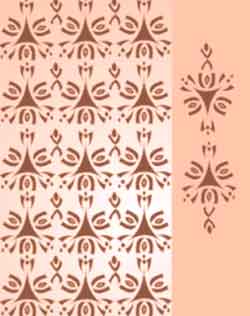
Textile Designing using CorelDraw Course Content

CorelDraw for Textile Designing, this course begins with the basics features of corelDraw, this software is going to be the primary tool we use for Textile Designing.
Using corelDraw, you would learn to design Textile Illustrations from a stratch. No prior knowledge of CorelDraw is required as we teach you right from the basics.
A fairly good understanding of the software will help you to translate all your ideas into great looking designs !
Textile Designing CAD Course Content
Phase I
Phase II
Phase III
Phase IV
Phase V
Phase I
- How to Start the CorelDRAW program
- Introduction tothe CorelDRAW program, Menu bar & Drawing Toolbox
- Overview of Drawing tools
- Freehand Tool
- Rectangle Tool
- Ellipse Tool
- Polygon, Spiral & Graph Paper Tools
- Editing the object
- Deleting, Moving, Scaling, Rotating & Skewing
- Shape Tool
- Knife Tool
- Erase Tool
- Smudge Tool
- Roughen Tool
- How to combine two lines
- Learn to use Transformation (Mirror) of object and combine it
- Learn to use Transformation(Rotation)to make a flower
- Live Demo - Textile Motif Design - 1

- Live Demo - Textile Motif Design - 2

- Live Demo - Textile Motif Design - 3

- Live Demo - Textile Motif Design - 3
- Live Demo - Pasley Design

Phase II
- Color Fill
- Fill Color
- Fountain Fill
- Pattern Fill
- Texture Fill
- No Fill
- Outline Tool
- Outline Pen
- Outline Color
- No Outline
- Outline Thickness
- View Menu
- Simple Wireframe
- Wireframe
- Draft
- Normal & Enhanced
- Exercise 1a: Draw The Design Given Below

- Exercise 1b: After Making Drawing The Design, Color It As Shown

Phase III
- Live Demo - Geometric Design

- Live Demo - Geometric Design with Measurements
- Live Demo - Retro Geometric Design
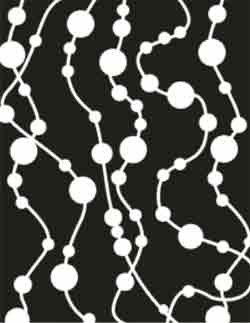
Phase IV
- Live Demo - Floral Design - 1

- Live Demo - Floral Design - 2
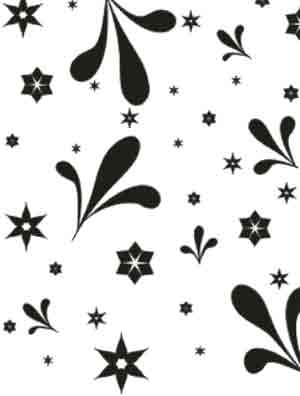
- Live Demo - Floral Design - 3
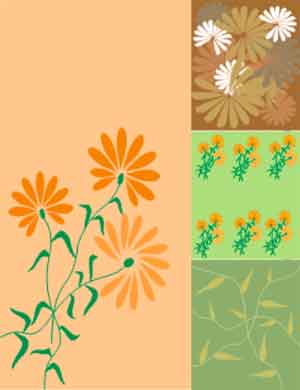
Phase V
- Live Demo - Western Design